
Exploration & gear
Core Keeper Map Guide: Explore, Find Bosses and Share Discoveries
Read Core Keeper biomes, find resource regions, compare in-game maps with map viewers and share explored areas using a Cartography Table.
On this page
Open the map with your Toggle map control to see the areas this character has explored in the current world. To exchange explored areas with friends, craft a Cartography Table at an Iron Workbench for 40 Planks and 10 Iron Bars, then have each player interact with it.
Open the right map
The default keyboard control is M. You can also use the map icon at the bottom right of the screen. If the shortcut does not work, check the Toggle map binding in your controls settings.
Your map belongs to the character and world you are playing. A different character can therefore have a different explored area. The minimap shows your immediate surroundings; the full map is useful for planning a longer trip.
Which biome should you look for?
The Core is your reference point. Biome directions vary between worlds, so a screenshot from another seed is an example, not your exact map. Use terrain and the resource you need to choose your next search area.
- Inner biomes
- Copper · Tin · Iron
- Great Wall
- Your progression gate
- Outer regions
- Scarlet · Octarine · Galaxite
- Shimmering Frontier
- Solarite · Radiation Crystals
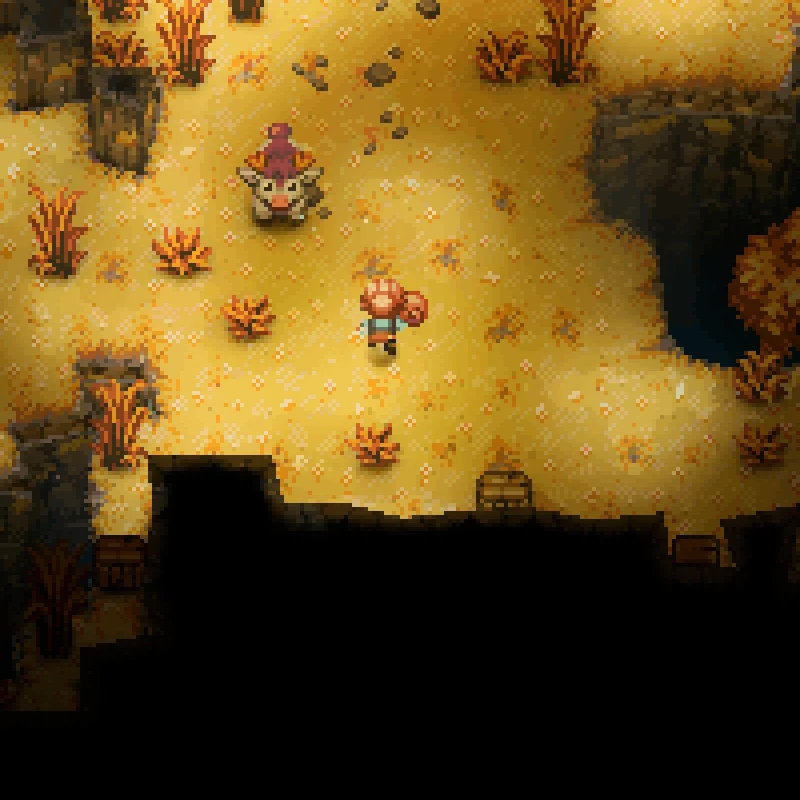 MeadowYellow terrain · cattle
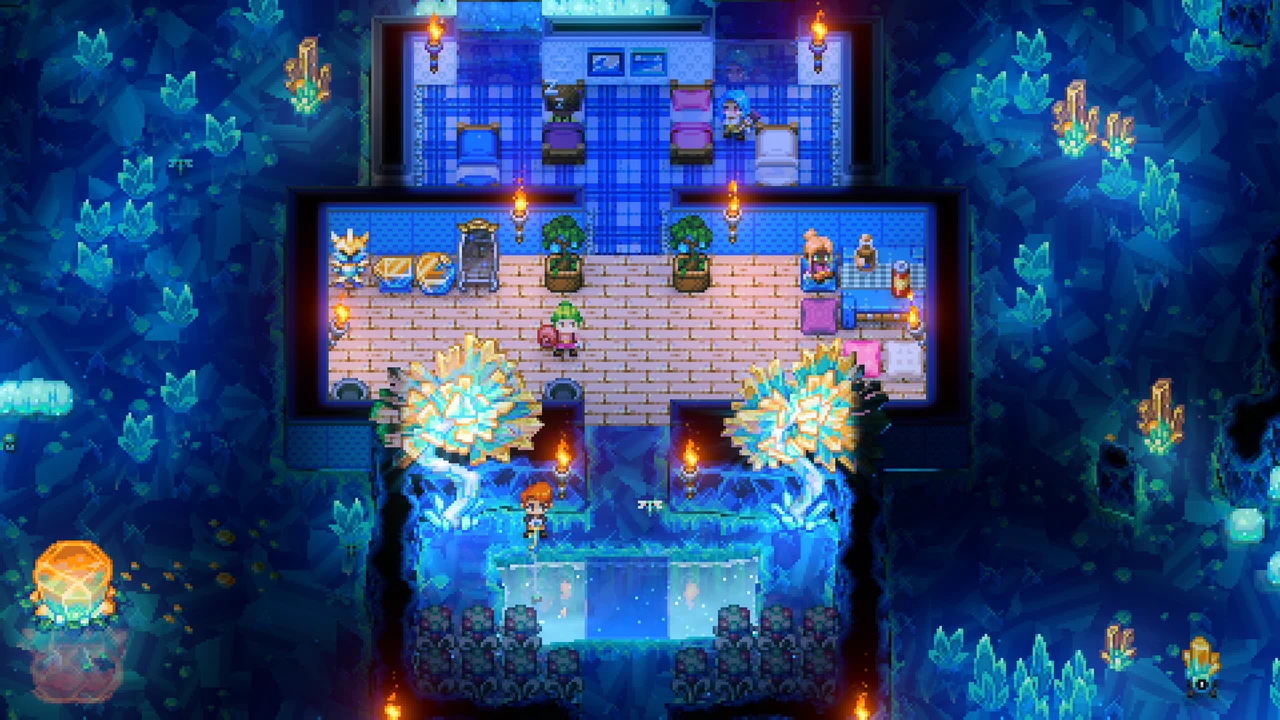 Shimmering FrontierBlue crystalline terrain
| Look for | Region | Next useful task |
|---|---|---|
| Copper | The Undergrounds | Begin your armor material plan. |
| Tin | The Clay Caves | Prepare the next crafting tier. |
| Iron | The Forgotten Ruins | Budget for Iron equipment. |
| Sheep-like cattle in yellow Meadow patches | Meadows in The Undergrounds or Azeos’ Wilderness | Establish a Bambuck wool supply. |
| Scarlet | Azeos’ Wilderness | Prepare Scarlet armor. |
| Octarine | The Sunken Sea | Explore the sea region. |
| Galaxite | The Desert of Beginnings | Explore the desert region. |
| Solarite and green radiation hazards | The Shimmering Frontier | Check crystal mining and protection first. |
The biome reference identifies these resource regions. Mark discoveries in your own world instead of copying fixed coordinates from a different seed.
Do you need an external map viewer?
| Your goal | Start with | What it provides |
|---|---|---|
| Navigate while playing | In-game map | Your character’s discovered terrain and markers. |
| Exchange discoveries with friends | Cartography Table | Shared exploration after each player interacts. |
| Inspect a PC map with overlays | Optional community map tool | A separate file-loading interface with biome overlays and search aids. |
| Reveal unexplored terrain on Windows | Core Keeper Map Viewer with its helper | Generates a world copy using the free Dedicated Server. |
The Core Keeper Map Viewer has two separate steps:
- Choose Core Keeper World, then select your
.world.gzipfile to display already mapped terrain. - To reveal unexplored terrain, choose Generate Complete Map and follow its helper installation instructions. This requires Windows and the free Core Keeper Dedicated Server. Once the helper is connected, select the matching world
.jsonfile fromworldgenparamsand start generation.
The tool author’s announcement states support for 1.2 and 1.3 and says generation uses a temporary world copy. Check the current helper instructions for hotfix compatibility. This is a PC save-file workflow; it is not a console map or a seed-only generator. Revealing the complete map can expose discoveries you have not reached yet.
For overlay-based search instead, the CK Map Tool development interface has biome and ring controls. Its project notes do not establish current save compatibility. Compare a known landmark with your in-game map before trusting any external tool’s overlays.
Find the next boss
Active portals, Ancient Waypoints and bosses detected by their scanners appear on the map. A boss scanner provides a location marker; it is separate from the item used to summon that boss.
For the current Titan route, return to the Core for guidance toward the appropriate shrine. At the shrine, craft the scan and summon items and unlock its waypoint. Players continuing a pre-1.2 world can add the shrine Content Bundle in world settings. Official shrine update
Follow the boss progression checklist if you are unsure which encounter comes next. Use directions given in your own world: the outer-biome directions can vary between worlds.
Share exploration with a friend
Share, receive, then catch up
- Craft and place the table40 Planks + 10 Iron Bars at an Iron Workbench.
- Player A interactsContribute A’s explored areas to the Cartography Table.
- Player B interactsContribute B’s discoveries and receive A’s explored areas.
- Player A interacts againReceive B’s new discoveries. Repeat after further exploration.
Use Planks, not raw Wood, to craft the table. Place it somewhere both players can reach.
This is a table interaction workflow, so returning from separate expeditions is a useful time to synchronize.
If you cannot join the same game at all, first check the crossplay and platform guide. If a trip leads into the Shimmering Frontier, prepare for Radiation Crystals before approaching the green hazards.